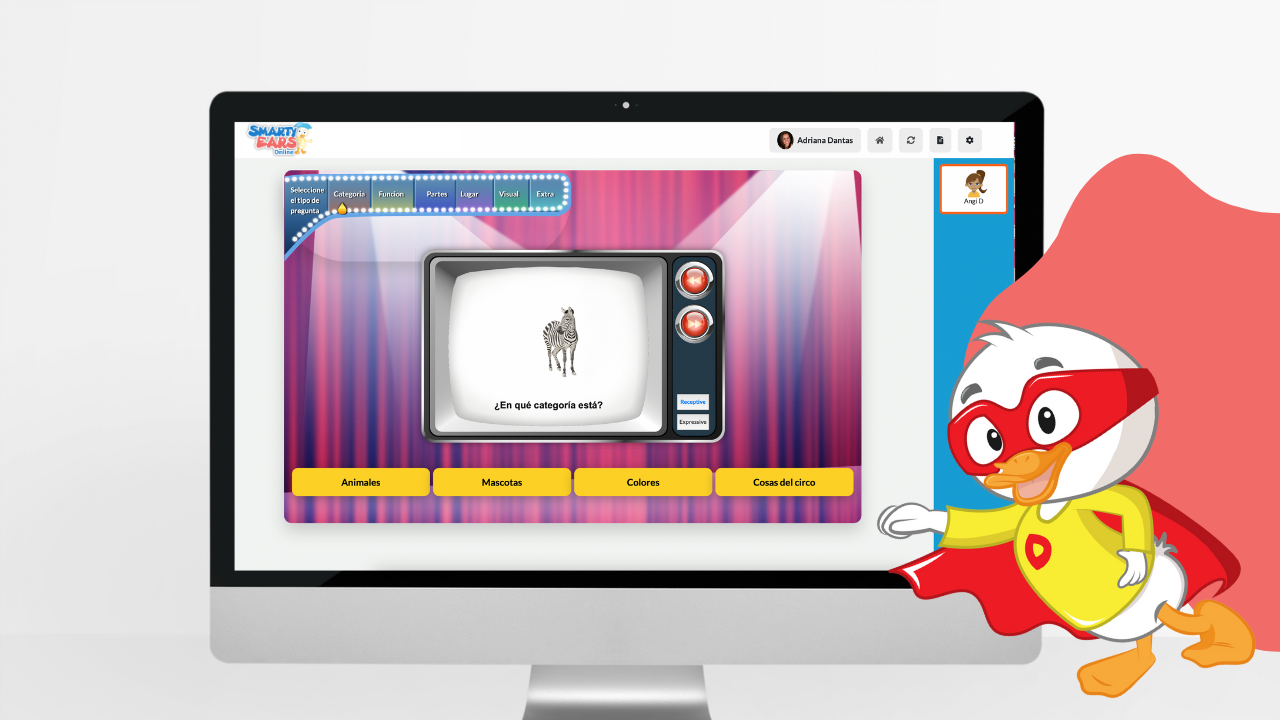
Here is how I use Fun & Functional in my sessions.
I use the receptive-only setting to measure a child’s ability to identify objects and their functions. I can set how many items appear on the screen, which makes it easy to adapt to each student’s level, and I can even adjust how closely related the items are. The student completes the task, and the data is saved and emailed to me. I love that I can raise the receptive level as the student’s skills improve.
The expressive setting shows me how well my students can explain functions. I use it to measure expressive language, grammar, fluency and even carryover of articulation skills. I mark each response as Missed It, Almost or Got It! and email the results to myself. Some of my students even rate themselves.
This setting gives me the best of both: I see how well they “get it” receptively, then move straight to how well they can “explain it” expressively. If a student couldn’t identify the function on the receptive screen, I can skip the expressive screen by tapping Next. Again, the data is saved and I can email the results.
Turn the iPad’s sound off and use the expressive setting. The group picks a category, and I turn off the other categories in settings (groups that want a challenge use all of them). Each student takes the iPad and gives two clues about the picture before the others guess.
Use the receptive setting. The goal is to explain how the items on the screen are related. You can show two, three or four items per screen, and the more items there are, the harder it is to explain what they have in common.
Each student takes a turn telling how the items are similar, and the group judges the idea:
Identify and describe what everyday objects are used for, building language and life skills.